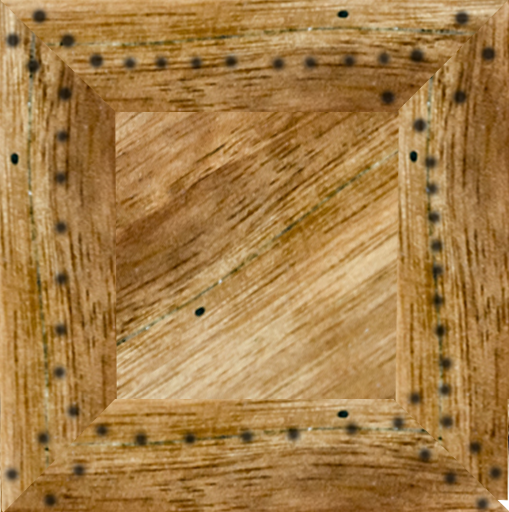
From there i put it on changed some contrast and colors to it making look like a stitching pattern really simple and easy process.
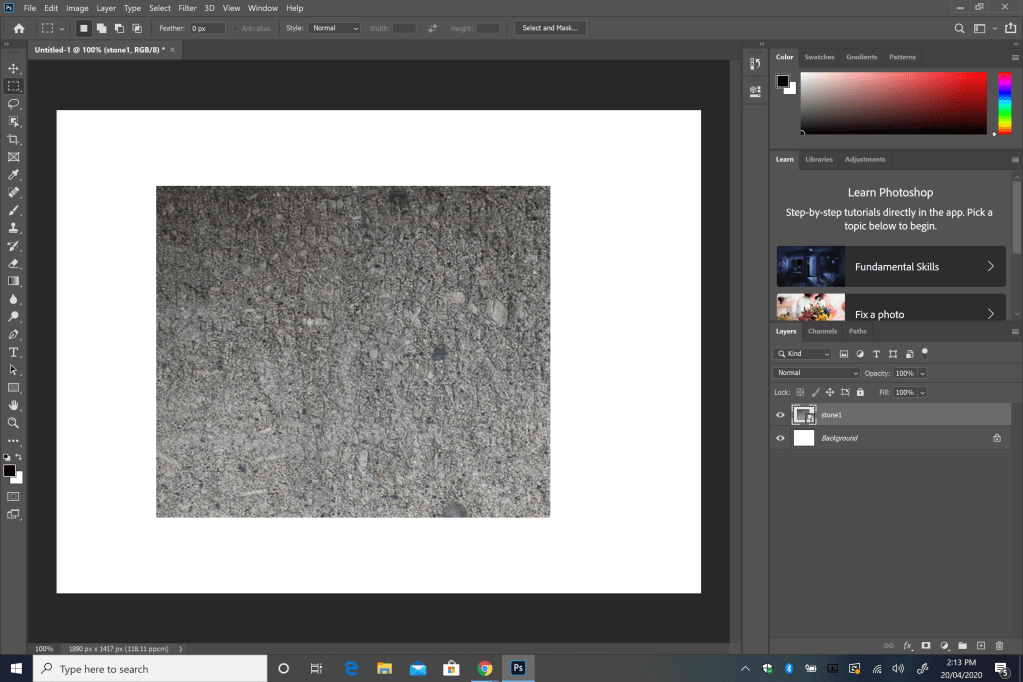
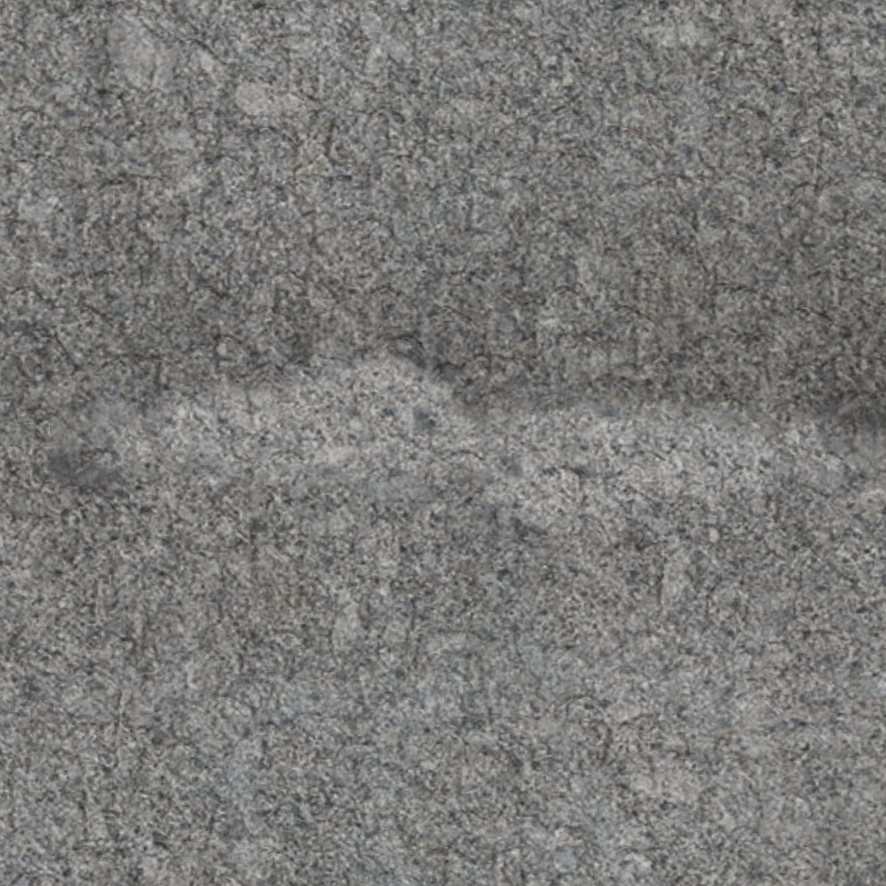
So for my Tutorial i will be re making stone Before and after
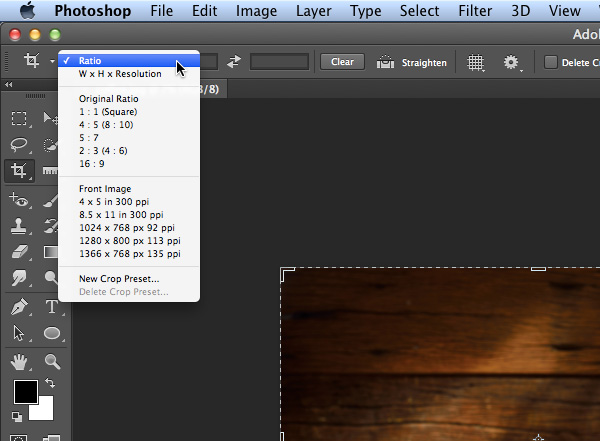
1 Crop the Image 1:1
2 Copy and paste Layer Command J Cntrl J (Keyboard)
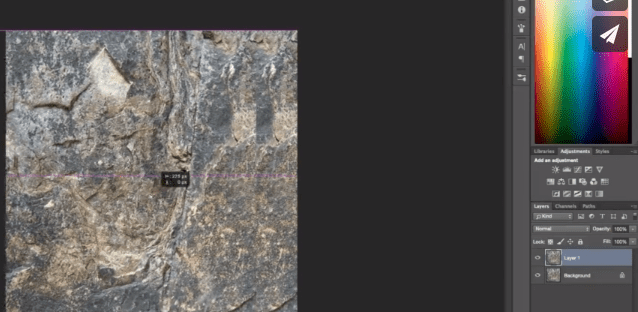
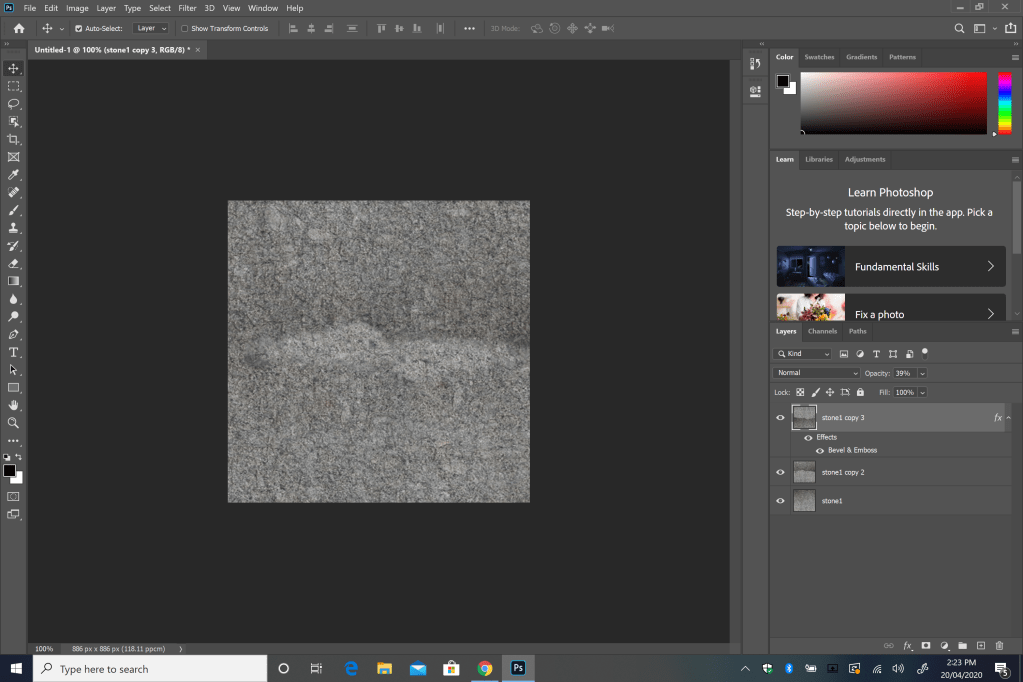
Copy and paste Layer Command J Cntrl J (Keyboard) PT 2 got to do it twice then move them serpate to make 1 half of the layer on 1 side and the other on the other side
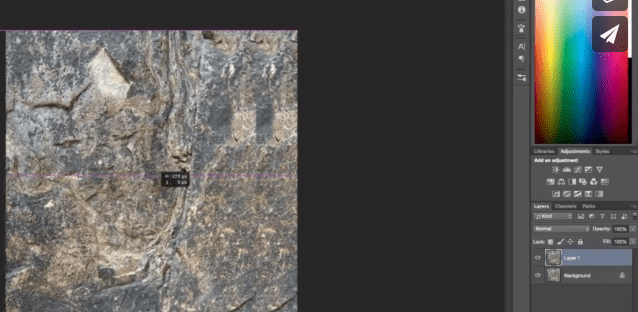
3 Spot healing brush Brush all the roguh spots to make it look together
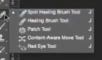
4 Merge together (Cntrl Click both the top 2 layers and Cmd E on your keyboard to merge)

5 Crop or if you have already done it leave it
6 Healing tool again
goto Stage 3 in the instructions
7 Transfrom 180 Cmd J to make another layer
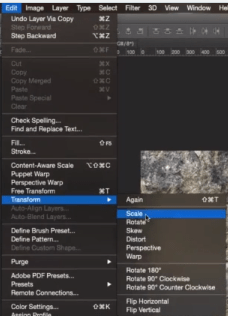
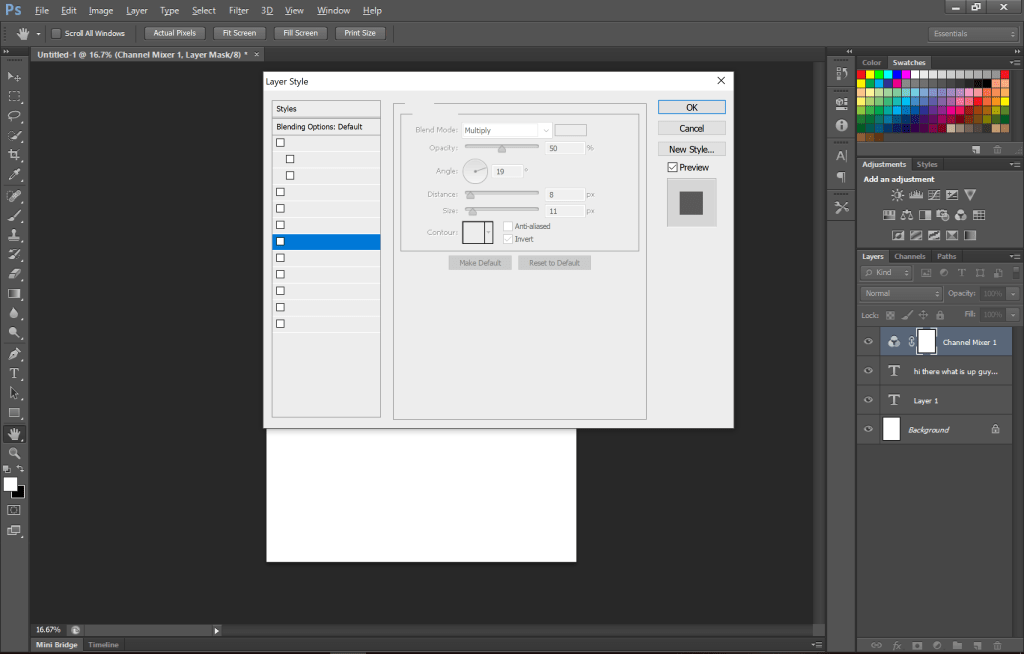
8 Blending Opacity (See) 50% Texture 20%
9 Done
 Jack's inquisitive Site